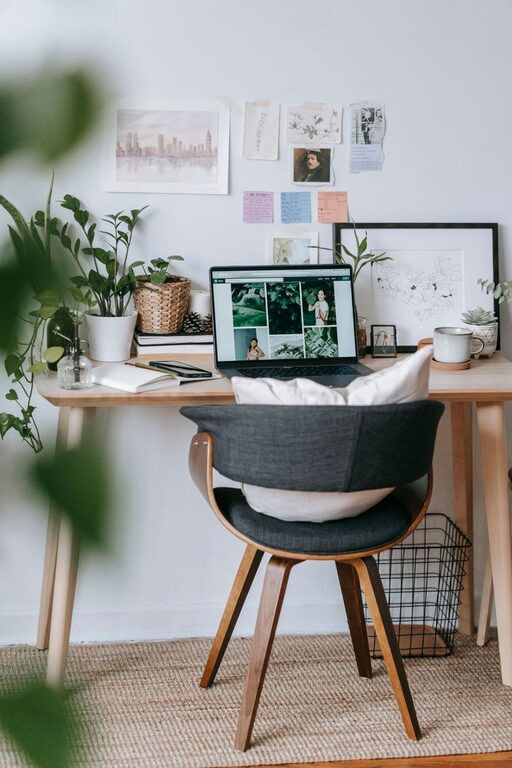
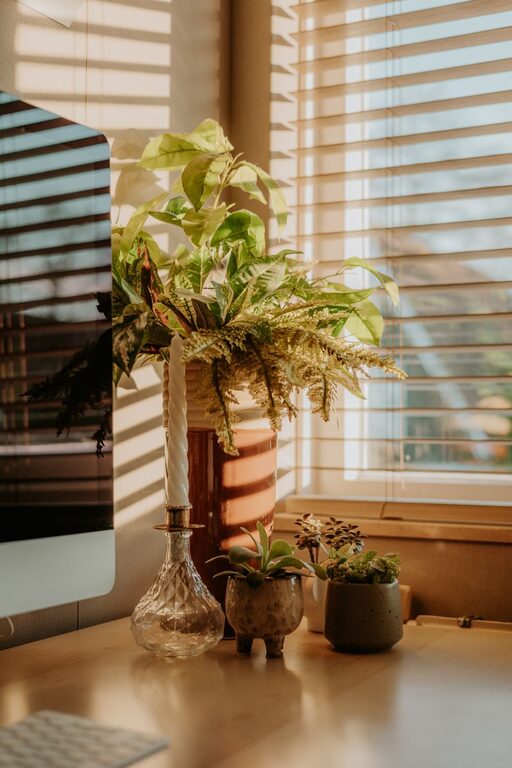
Creating a home office that is both cozy and productive can greatly improve your work-from-home experience. Whether you’re starting fresh or looking to enhance your current setup, thoughtful design and organization can help you stay focused while feeling relaxed and comfortable. In this guide, we’ll explore practical tips to create a home office space that fits your needs perfectly.
Choose the Right Location
The first step in creating your ideal home office is selecting the best spot in your home.
– Natural Light: Choose a space near a window to take advantage of natural light, which can boost your mood and energy.
– Quiet Area: Find a quiet corner or room where distractions are minimized.
– Space Considerations: Ensure there is enough room for your desk, chair, and any equipment or storage you need.
If you don’t have a dedicated room, use divider screens or furniture arrangements to separate your office area from living spaces.
Invest in a Comfortable Chair and Desk
Comfort is key when it comes to long hours at your desk.
– Ergonomic Chair: Look for chairs that support good posture with adjustable height and lumbar support.
– Desk Size: Choose a desk that fits your equipment comfortably and offers enough surface area to work on.
– Standing Desks: Consider a sit-stand desk if you want the option to alternate between sitting and standing.
Adjusting your chair and desk to the correct height can reduce strain on your neck, shoulders, and back.
Optimize Lighting
Proper lighting helps reduce eye strain and keeps you alert.
– Layered Lighting: Combine natural light, overhead fixtures, and task lighting.
– Desk Lamp: Use an adjustable desk lamp to focus light directly on your work area.
– Avoid Glare: Position your monitor and lights to prevent screen glare.
If natural light is limited, choose bulbs with a color temperature between 4000K and 5000K for a bright, daylight-like effect.
Organize Your Workspace
A clutter-free workspace promotes clarity and efficiency.
– Storage Solutions: Use shelves, drawers, and boxes to organize supplies.
– Cable Management: Keep cords tidy with cable organizers or clips.
– Minimalism: Keep only essential items on your desk to reduce distractions.
Regularly declutter your workspace to maintain a clean, inviting environment.
Personalize Your Space
Adding personal touches can make your home office feel welcoming.
– Decor: Choose artwork, plants, or décor that inspire and motivate you.
– Color Choices: Soft, neutral colors create a calm atmosphere, while pops of color can add energy.
– Comfort Items: Include cozy elements like a soft rug, cushions, or a blanket.
Keep personalization balanced, so it enhances rather than distracts from your work.
Incorporate Plants
Plants improve air quality and create a peaceful vibe.
– Low-Maintenance Plants: Succulents, snake plants, and pothos are easy to care for.
– Placement: Position plants near your desk or on shelves to enjoy greenery throughout the day.
– Benefits: The presence of plants can reduce stress and increase productivity.
If you don’t have natural light, consider artificial plants or plant lights.
Set Up Technology Efficiently
Technology should serve you well without causing frustration.
– Reliable Internet: Ensure you have a stable and fast internet connection.
– Equipment: Use quality peripherals like keyboards, mice, and headphones.
– Organization: Keep technology cables organized and invest in surge protectors.
Regularly update your devices and software to keep your work flowing smoothly.
Create Boundaries and a Routine
Setting boundaries helps balance work and personal life.
– Work Hours: Define clear work start and end times.
– Breaks: Schedule regular breaks to rest and recharge.
– Physical Boundaries: Close the office door or pack up your workspace after work.
These practices help maintain focus during work hours and relaxation afterward.
Maintain Good Air Quality and Temperature
A comfortable environment supports productivity.
– Ventilation: Open windows or use an air purifier for fresh air.
– Temperature Control: Use fans, heaters, or adjust thermostats to maintain a comfortable temperature.
– Humidity Levels: Use a humidifier or dehumidifier as needed.
Comfortable air and temperature levels keep you alert and comfortable during the day.
Final Thoughts
Designing a cozy and productive home office is about creating a space that supports your work habits while reflecting your personal style. Focus on comfort, organization, and good lighting to foster an environment where you can be both efficient and at ease. With these tips, you can create a home office that makes working from home a pleasure, not a chore.