
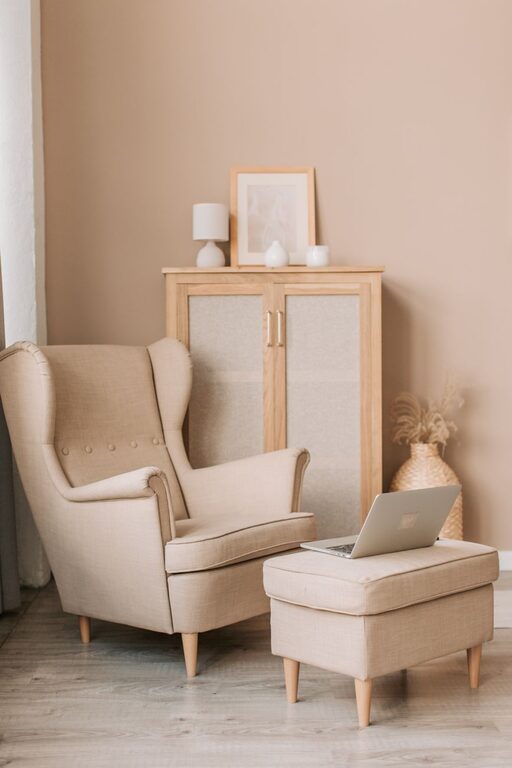
Creating a cozy and inviting home workspace is essential for staying focused, comfortable, and motivated throughout your workday. Whether you work remotely full-time or need a quiet corner for occasional tasks, your workspace can greatly influence your productivity and well-being. In this post, we’ll explore simple yet effective tips for designing a home office that feels welcoming and supports your daily routine.
Why a Cozy Workspace Matters
A workspace that feels inviting can improve your mood and reduce stress. When your environment is comfortable and personalized, you’re more likely to remain engaged and efficient. The right setup also helps minimize distractions, allowing you to focus better.
Choose the Right Spot
Consider Natural Light
Try to set up your workspace near a window if possible. Natural light boosts energy and reduces eye strain. If natural light is limited, invest in warm, adjustable lighting to create a soft, welcoming ambiance.
Minimize Noise
Find a quiet area away from loud household activities. You could use noise-cancelling headphones or white noise machines if external sounds are unavoidable.
Space and Layout
Select a space that fits your needs without feeling cramped. A little room to move and stretch helps maintain comfort.
Invest in Comfortable Furniture
Ergonomic Chair
Choose a chair that supports good posture, with adjustable height and lumbar support. Comfort is key when sitting for long hours.
Desk Size and Height
Pick a desk large enough for your computer, notebooks, and other essentials. The desk height should allow your forearms to rest comfortably while typing.
Add Personal Touches
Colors and Decor
Use colors that inspire you—soft blues and greens often promote calmness, while yellows and oranges can boost creativity. Add artwork, plants, or photos that bring joy.
Plants for Freshness
Indoor plants improve air quality and add a natural touch. Easy-care options like succulents, snake plants, or pothos work well for busy professionals.
Organize Your Workspace Efficiently
Declutter Regularly
Keep your desk clear of unnecessary items. A clean space helps reduce stress and improve focus.
Storage Solutions
Use shelves, drawers, or desk organizers to keep supplies and documents tidy. Label containers for easy access.
Cable Management
Tidy up cords with clips, sleeves, or under-desk trays to prevent tangling and maintain a neat appearance.
Optimize Technology Setup
Monitor Placement
Position your monitor at eye level to reduce neck strain. Use a stand if needed.
Keyboard and Mouse
Choose ergonomic models for comfort, especially if typing frequently.
Reliable Internet
Consider upgrading your internet connection or using a wired setup for stability.
Create Boundaries and Rituals
Set Work Hours
Even at home, define working hours to separate work and personal life.
Dress for Work
Wearing daytime clothes can help shift your mindset into work mode.
Take Breaks
Schedule short breaks to stretch, hydrate, and rest your eyes.
Incorporate Comfort Extras
Soft Textiles
A cozy blanket or a cushioned footrest can add warmth and comfort.
Scent and Sound
Use subtle scents like lavender or eucalyptus for relaxation, and playlists or ambient sounds to enhance focus.
Final Thoughts
Designing a cozy and inviting home workspace involves choosing the right location, comfortable furniture, personalized decor, and good organization. By blending function with comfort, you create an environment that supports your productivity and well-being, making work at home a positive experience. Try incorporating these tips gradually and adjust according to your needs to find your perfect workspace vibe.